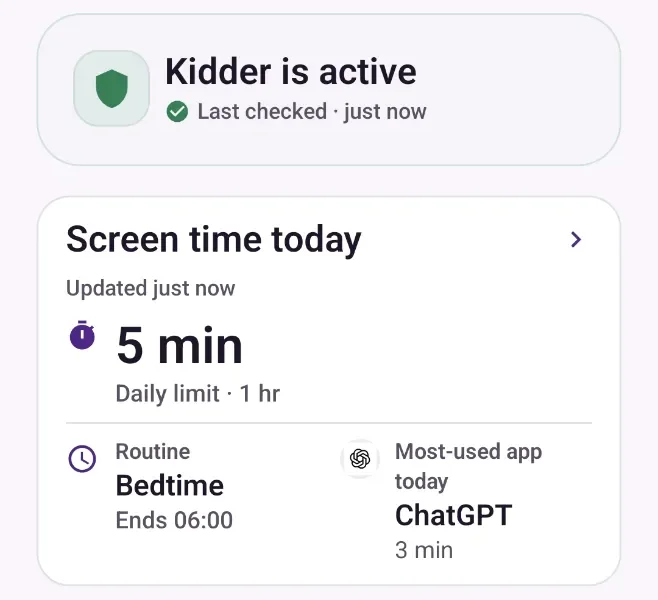
Screen time drifts
Daily routines can stretch beyond the boundaries a family intended, without anyone noticing until later.
Family digital safety, made simpler
Help your child with Screen Time, routines, Internet Safety, location, and Safe Places—from Kiddar on the parent’s phone.
Available on Android via Google Play. Child-device protection also requires Kiddar Child installation, pairing, and permissions. Availability may vary by country — check the Play Store listing for your region.
See how Kiddar works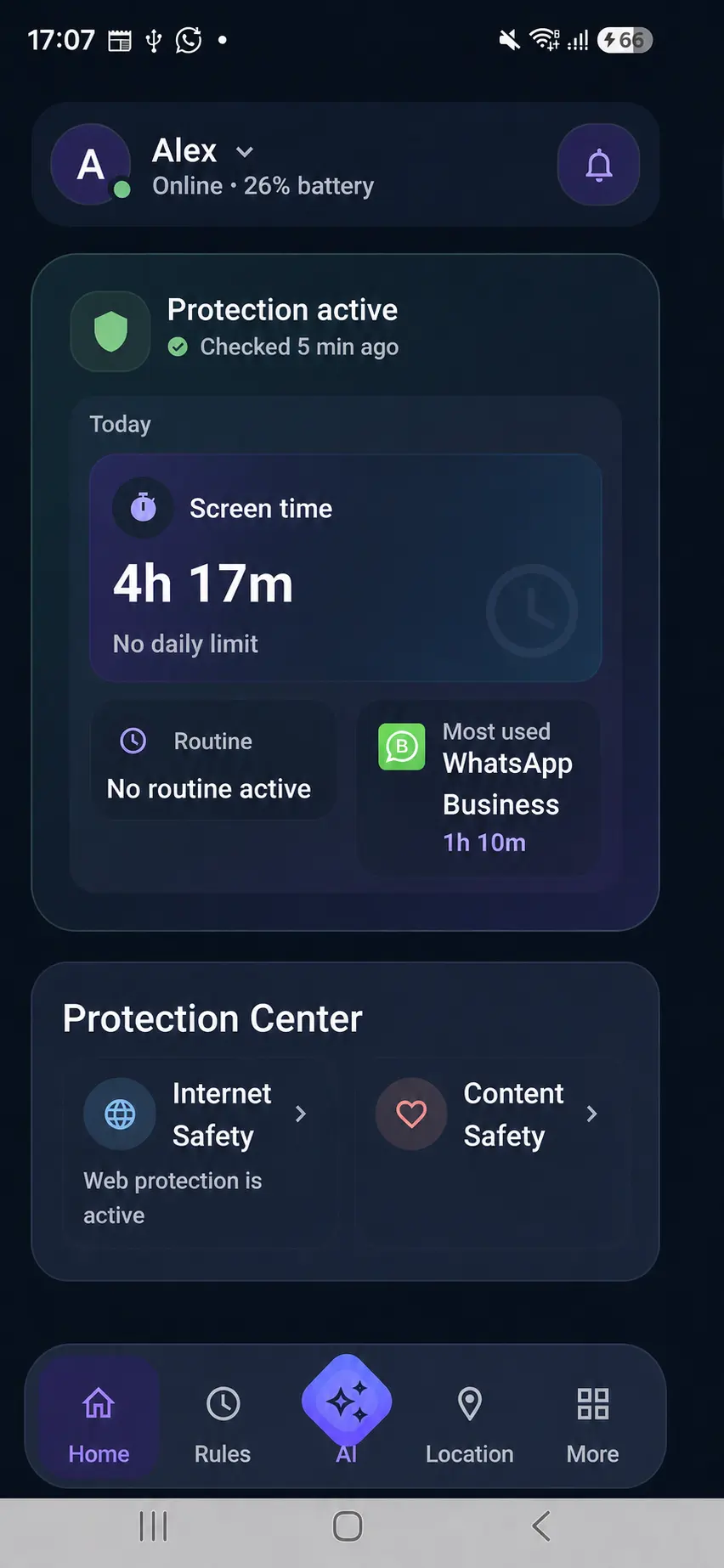
Explore Kiddar
Choose the support your family needs, from everyday routines to online safety and staying connected.
Understand app usage and build a healthier digital balance.
See usage by app, category and time — all in one clear daily view.
Choose app and category rules that fit your family.
Make room for school, family time and bedtime.
Guide online exploration with family website rules.
Review safety alerts with care and context.
Stay connected and see when location was updated.
Follow useful arrival and departure updates.
Check connection, permissions and protection status.
Features depend on device compatibility, permissions and the applicable plan. Check compatibility
The everyday tension
Daily routines can stretch beyond the boundaries a family intended, without anyone noticing until later.
Children need room to explore online. Parents need that exploration to come with understandable safeguards.
When a child is away, parents want quiet reassurance — not constant checking.
One connected view
One calm Kiddar experience for the moments that matter.
Healthy Digital Habits
Use Screen Time, Rules, and School Time to shape time for school, rest, entertainment, and family routines.
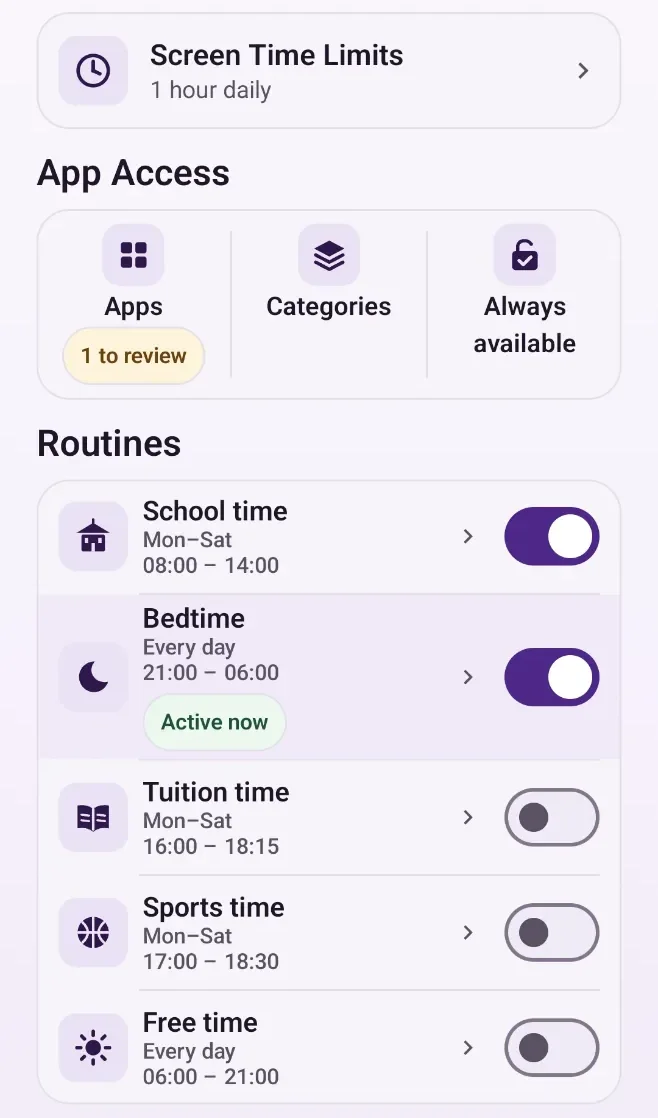
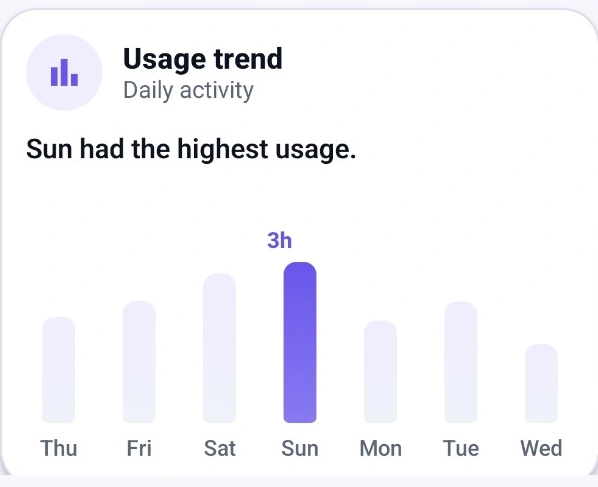
Kiddar app · School Time and the weekly Screen Time trend
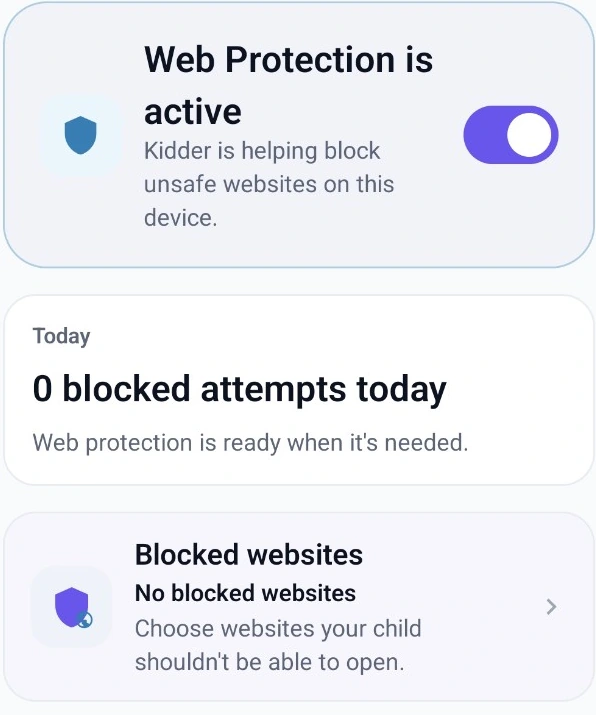
Kiddar app · Web Safety
Internet Safety
Use Internet Safety and family web rules to add protection around the way your child uses the web.
Family Safety
Location and Safe Places help parents stay informed without turning every moment into a check-in.
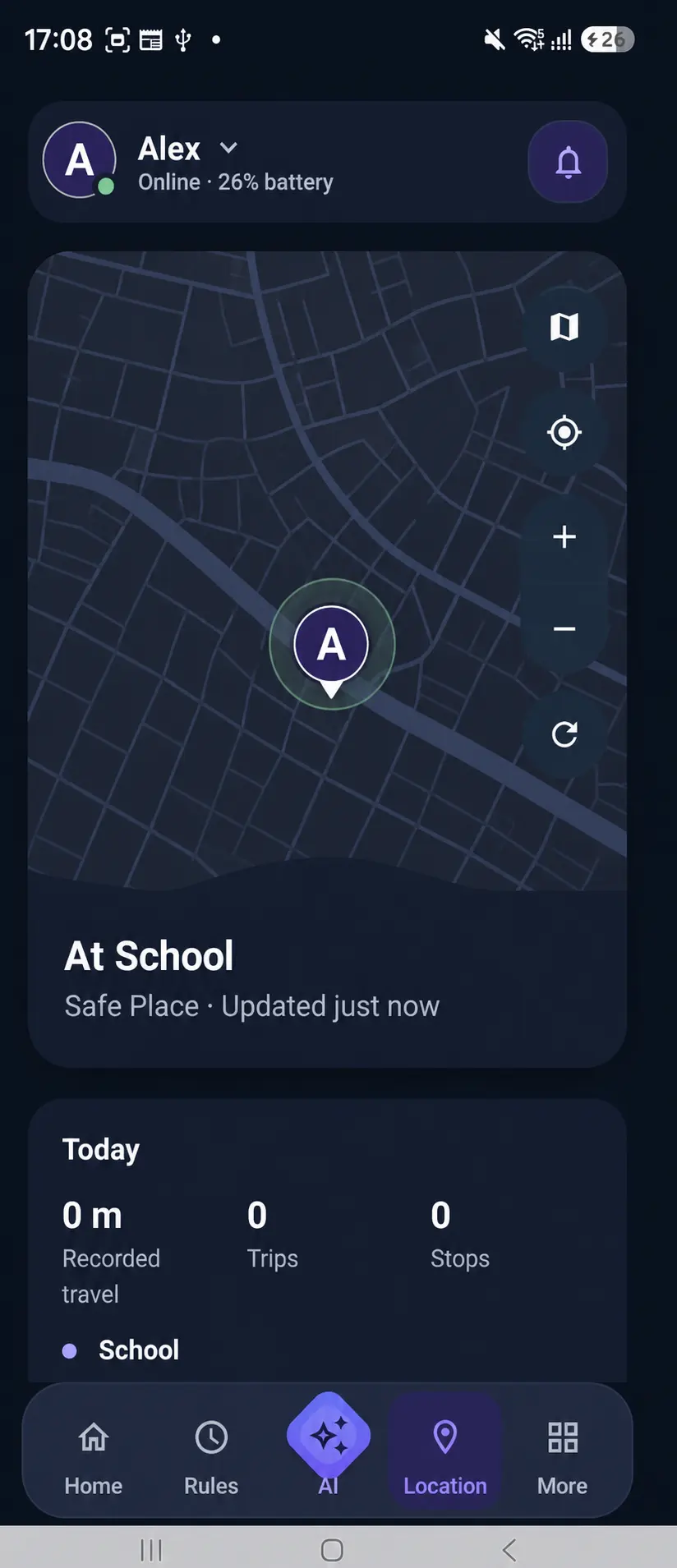
Kiddar app · Location and Safe Places · Map imagery © Google
Screen Time, Web Safety and location — managed from one parent app. Install Kiddar on your Android phone, then connect your child’s device with guided setup.
Kiddar AI brings your family's protection, habits, and safety signals together — helping you act with confidence and calm, not guesswork.
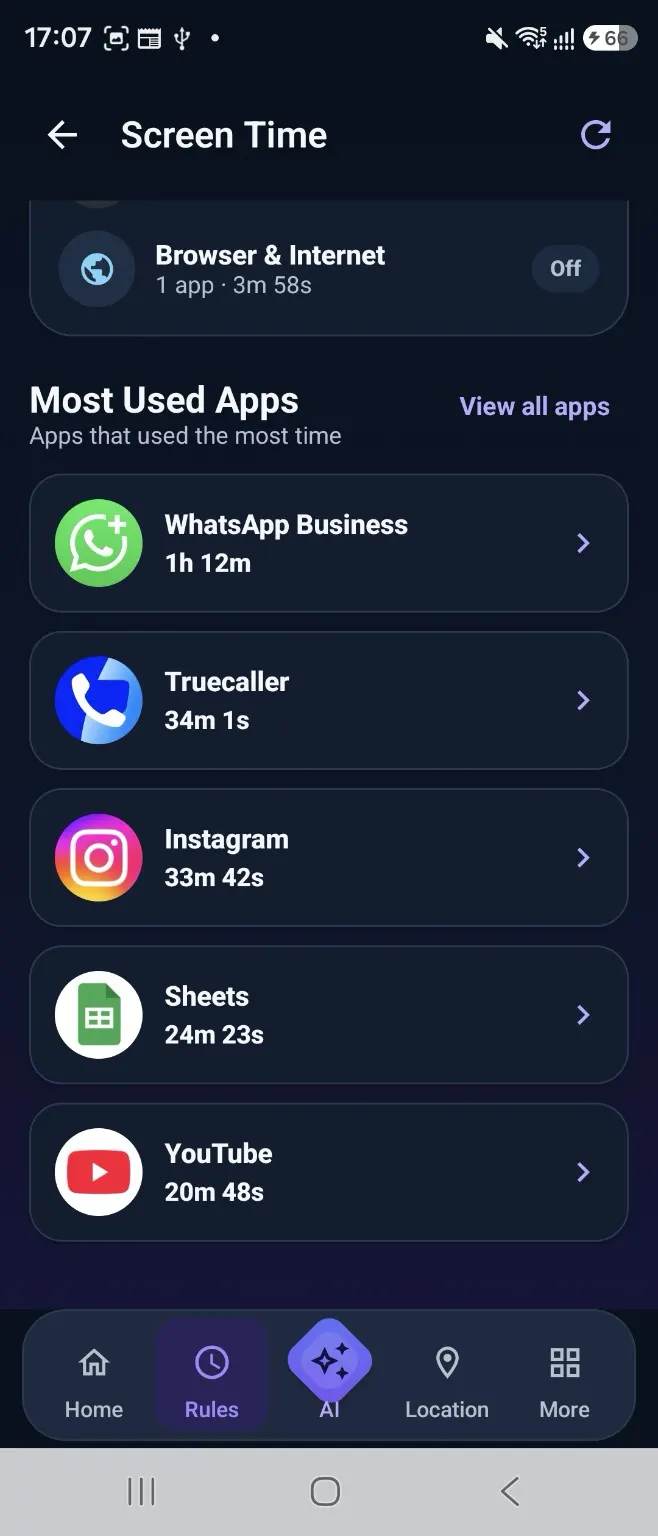
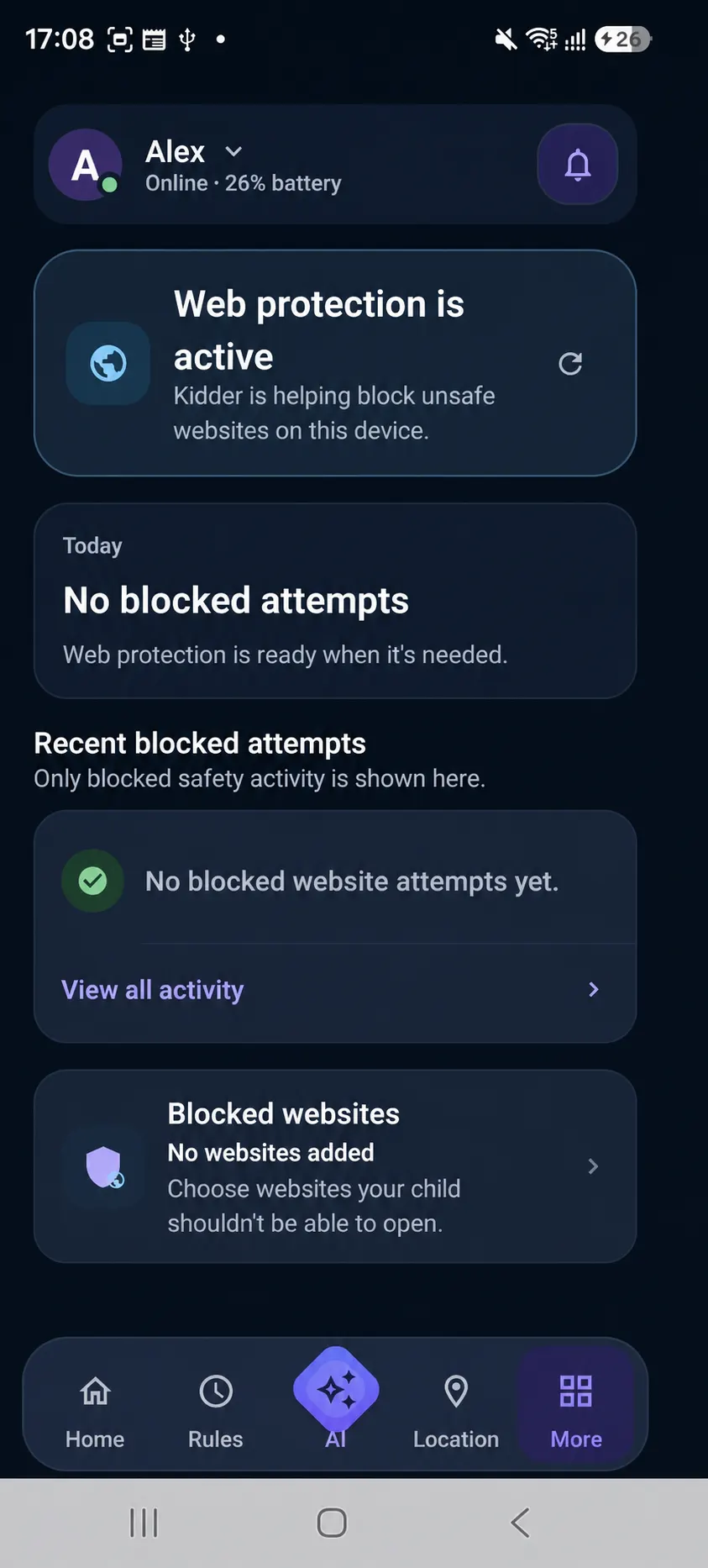
Genuine Kiddar app screens
Protection status, Screen Time, routines, location, and Internet Safety—from one calm family view.
3 app screens. On small screens, swipe left or right, or focus the gallery and use the arrow keys.
How Kiddar works
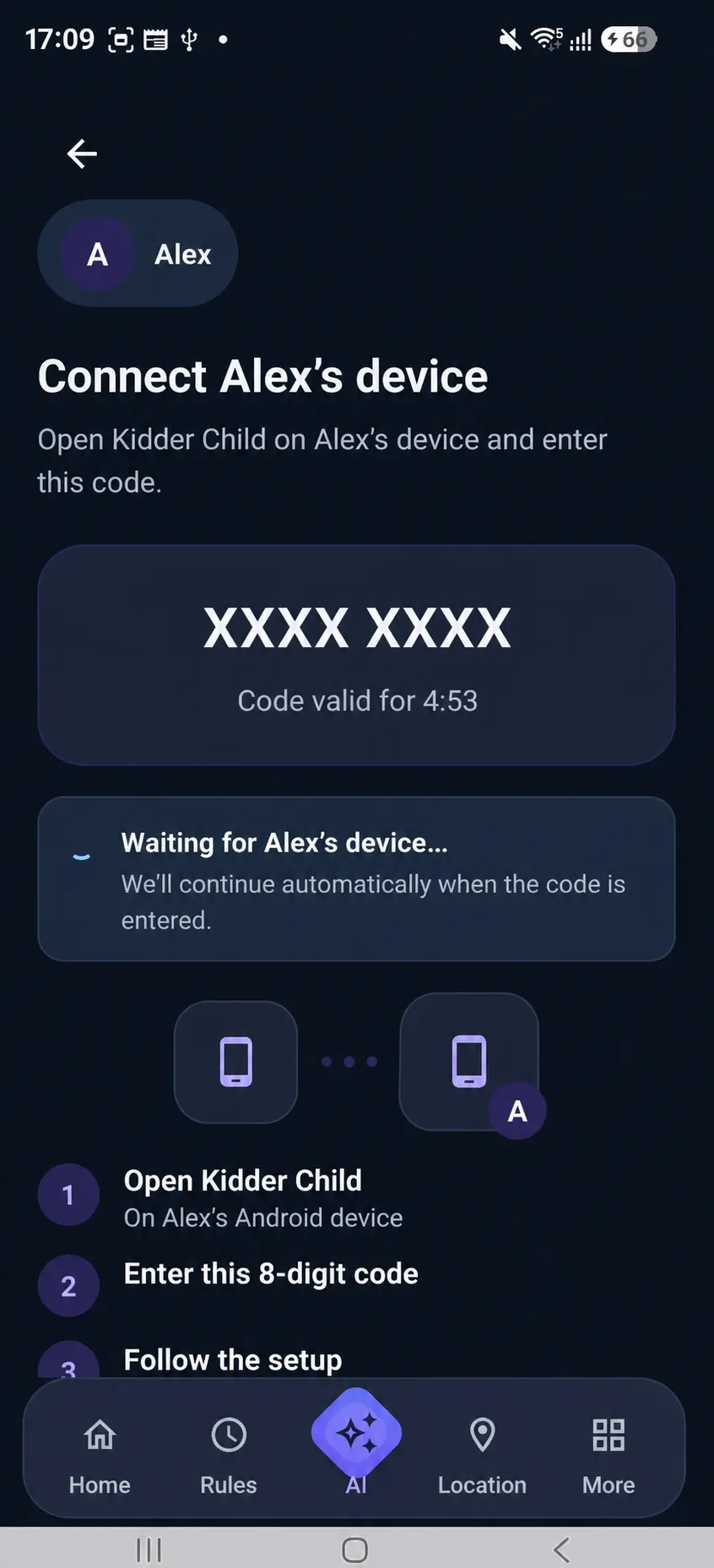
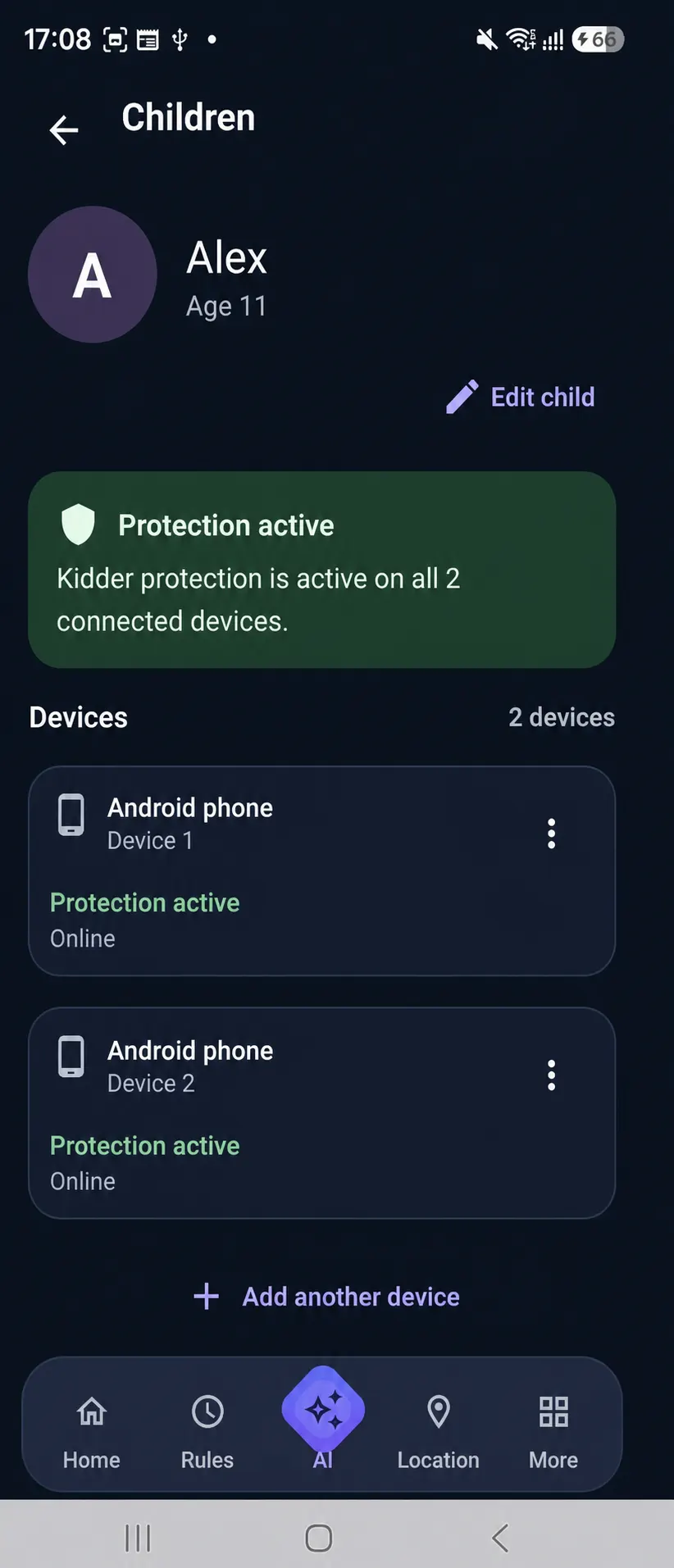
Install Kiddar on the parent’s phone and Kiddar Child on the child’s Android device. Pair the intended device, then review permissions and choose family settings together.
Install on the parent’s Android device.
 Get Kiddar on Google Play
Install on the child’s Android device.
Get Kiddar Child on Google Play
Privacy & trust
Kiddar is built for guardian-led family safety that your child can see and understand — not secret monitoring.

Simple pricing
Standard gives you the complete family digital safety experience. Try free for 7 days.
Standard
Billed yearly · about $12.50/month equivalent
What's included
Standard is $14.99/month or $149.99/year USD. Subscription options are available through the Kiddar app. Review billing terms before agreeing. Trial eligibility is determined at sign-up.
Questions, answered
Product, setup, privacy, and pricing—without the fine-print feeling.
Kiddar uses two Android apps. Install Kiddar on the parent’s phone and Kiddar Child on the child’s Android device. Start pairing in Kiddar, enter the parent-generated code in Kiddar Child, then review the Android permissions for the features your family chooses. Downloading either app alone does not start pairing or turn on protection.
Yes. Kiddar Child is a visible app on your child’s Android device, and setup is designed to be done together. Kiddar is built for transparent, guardian-led family safety—not secret or hidden monitoring.
From Kiddar on your phone you can set Screen Time limits, app and category rules, and routines such as School Time and Bedtime, apply Web protection rules, and check family location and Safe Places. Each feature relies on the related Android permissions staying active on the child’s device.
Yes. Kiddar and Kiddar Child are Android apps. Kiddar is available on Google Play, but availability varies by country and device—check the Play Store listing and the Compatibility page before you start.
Setup is visible on both devices, and each Android permission is requested for a specific feature so you can review it before continuing. Kiddar is designed to use the information needed for the features your family turns on. The Privacy & Transparency page explains what is collected and how it is handled.
Kiddar offers one plan, Standard: $14.99/month or $149.99/year USD, for up to 10 children and 10 child devices, with a 7-day trial (eligibility is confirmed at sign-up). Subscriptions start in the Kiddar app—there is no checkout on this website.
Start with your family
Start with Kiddar on your Android phone, then connect your child’s device with guided setup.